
Chapter 9 · 9.5
Sending refused: blacklists and limits
Did you get an email back with an error message (a bounce)? Read that message carefully: it almost always explains why the email didn't arrive. Below are the most common messages and what to do about them.
How to read an error message
A bounce comes from Mail Delivery System or MAILER-DAEMON and contains a technical line with a code, for example 550 5.7.1. A code starting with a 5 means the email has been permanently refused. If the code starts with a 4, it's temporary and our server will try again later. With E-mail Tracking you can see whether a message was delivered, delayed or failed (see E-mail Tracking: where did my mail go?).
| Message contains | What does it mean? | What do you do? |
|---|---|---|
| User unknown, No such user, Recipient address rejected | The recipient's address doesn't exist. | Check the address for typing errors. |
| Mailbox full, Quota exceeded, over quota | The recipient's mailbox is full. | Ask the recipient to make space, or try again later. If it's your own mailbox, read Storage per mailbox and what happens when it's full. |
| SPF, DMARC, not authorized, authentication | The recipient doesn't trust that the email genuinely comes from your domain. | Set up SPF, DKIM and DMARC correctly (see My mail ends up in the recipient's spam folder). |
| blocked using, listed at, Spamhaus, blacklist, RBL | The sending server's IP address is on a blacklist. | See below. |
| message limit, limit reached, too many | You've reached the sending limit: 300 emails per day per package. | Wait until the next day, or send large volumes via a newsletter service. See Send limits and the 'message limit reached' message. |
| Message too large, size exceeds | The message is too large for the recipient. | Send large files via a download link, for example from your Nextcloud. |
What is a blacklist?
A blacklist (also called an RBL or DNSBL) is a public list of IP addresses that spam has been sent from. Many mail servers check these lists and refuse email from an address that's on them. Well-known lists include Spamhaus, SpamCop and Barracuda.
There are two situations:
- Our mail server's IP address is on a list. In that case, the error message shows an IP address belonging to WebOké. We keep an eye on our servers' IP addresses and request removal ourselves if one is listed. If you notice it first, open a ticket with the full error message.
- Your own internet connection's IP address is on a list. This happens if your email program sends via your internet provider's server instead of ours. Set up your email program with our outgoing server, with login, on port 465 or 587 (see All settings at a glance: servers, ports and security). That way your email always goes via WebOké.
You can also check whether your domain's mail server is on a blacklist using the Email Health Check at www.weboke.nl/en/emailcheck.
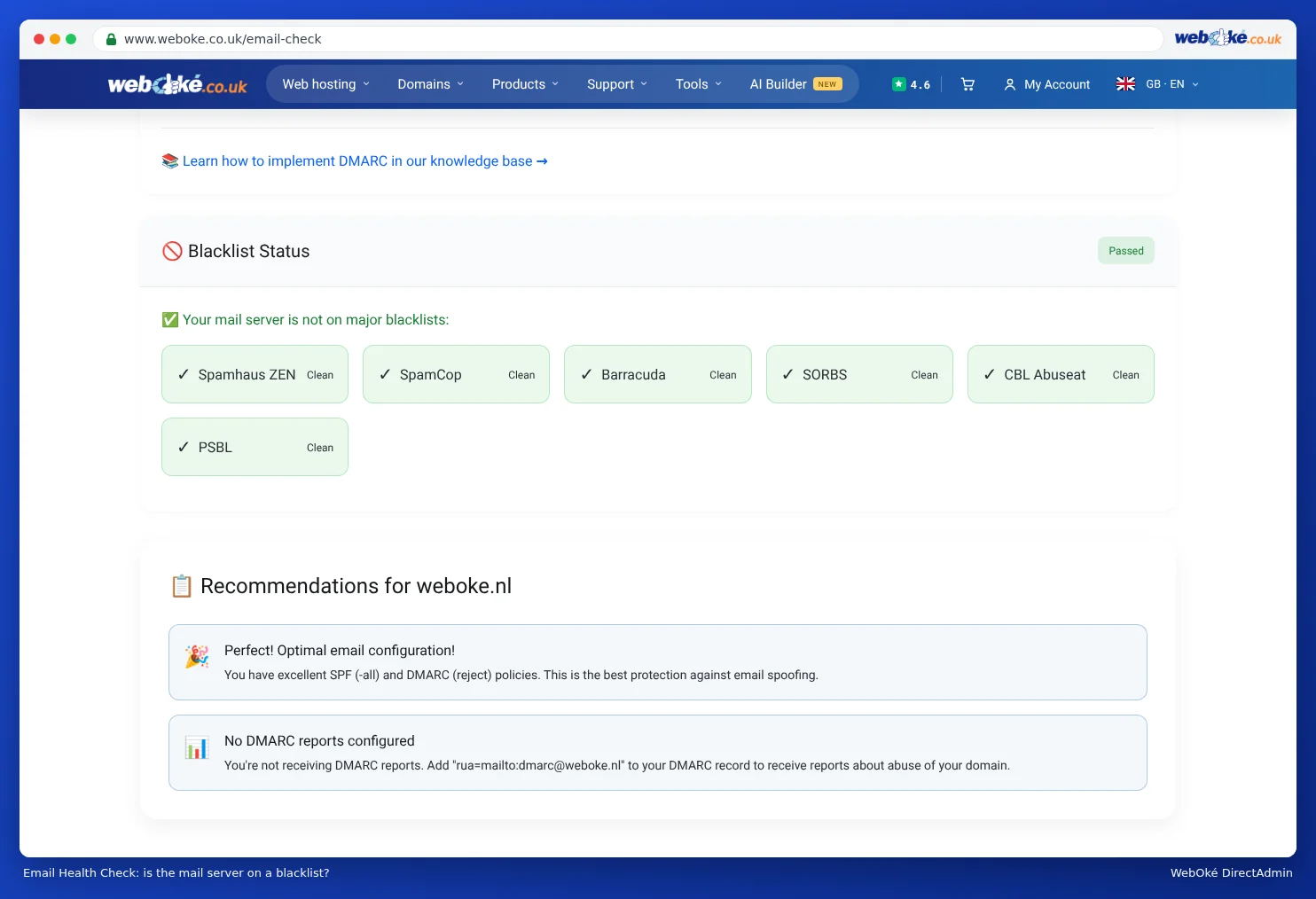
How does an IP address end up on a blacklist?
Usually because spam has been sent from that address. On a shared mail server, this can happen because of a hacked mailbox or website. That's why we act quickly if we see spam being sent from a mailbox or website (see What to do if your e-mail address has been misused). This stops the email of all other customers on that server from being refused.
Not to be confused with: an IP block at WebOké
Can't connect to the mail server at all, not even to collect email, while it does work via 4G on your phone? Then it's probably not a blacklist, but our firewall has temporarily blocked your IP address after too many failed login attempts. You can check and fix this yourself with Am I blocked? in Mijn WebOké (see Solving login problems).
Tip: When contacting support with a question, always include the full error message, including the line with the code. That tells us exactly which server refused the email and why.